




| |
This product is distributed via download and shipment |
|
- Please allow up to 1 business day for your download link to become available.
- Software is downloaded but requires shipped licensing dongle.
|
|
|
|
|
The EDU Edition
requires a signed copy of the Educational Agreement
below along with a copy of your Faculty ID:
To send via Fax:
1-888-370-6345 (Toll
Free in North America)
+00 +1 479-439-8506
(International)
To send via Email:
Please Contact Us
|
|
|

V-Ray for 3ds Max 1.5 SP5 Now Available
The upgrade is free of charge for all current V-Ray for 3ds Max customers.
V-Ray 1.50 Service Pack 5 is compatible with the following:
- Autodesk 3ds Max 8
- Autodesk 3ds Max 9
- Autodesk 3ds Max 2008
- Autodesk 3ds Max 2009
- Autodesk 3ds Max Design 2009
- Autodesk 3ds Max 2010
- Autodesk 3ds Max Design 2010
- Autodesk 3ds Max 2011 (New)
- Autodesk 3ds Max Design 2011 (New)
The V-Ray build supports both 32-bit and 64-bit OS.
The new build adds compatibility with 3ds Max 2011 and 3ds Max Design 2011
and includes new, modified and improved features.
New features:
- Added VRaySamplerInfoTex texture and VRaySamplerInfo render element
- Added VRayObjectSelect render element which allows to extract objects
with specific IDs into a separate element
Modified features:
- Added an option to the VRayPhysicalCamera to perform image distortion
based on a texture map
- Allow the user to specify texture bounds for 3d displacement
- Added displacement slot to VRayFastSSS2 material
- Added "prepass id" parameter to VRayFastSSS2 material so that multiple
materials can share the same illumination map
- Added displacement slot to VRayLightMtl material
- The color parameter of VRayIES lights is now animatable
- The min/max z-depth values for the VRayZDepth render element are now
animatable
- Support for reflection occlusion in VRayDirt
- Support for environment sampling in VRayDirt
- Support for Particle Flow vertex color mapping and particle visibility
- Support for the "Use transparent shadows" option with Arch&Design
materials
- The clipping planes for the VRayPhysicalCamera are now displayed in the
viewport
- Added an option "show cone" to the VRayPhysicalCamera to control the
display of the camera in the viewports
- Ability to save and load color correction curves for the VFB in Adobe(r)
PhotoShop(r) .acv format
- Support for pixel aspect ratio display in the V-Ray VFB
- Support for anaglyph stereo preview in the V-Ray VFB
- Support for LUT color correction in the V-Ray VFB from .cube files
- Ability to display the value of the corrected colors in the V-Ray VFB
pixel info dialog
- The "Dynamic memory limit" parameter can be set to zero to remove any
limit
Bug fixes:
- Motion blur for Hair&Fur in "mr prim" mode does not match the "buffer"
mode
- Occasional random crashes in 3ds Max 2010 due to progress bar updates
- Fixed invalid smoothed normals causing issues with displacement
- Fixed AA artifacts with thin bright lines when using Adaptive DMC image
sampler
- Stuck buckets with perfectly transparent surfaces and GI
- Incorrect vignetting for VRayPhysicalCamera when using
horizontal/vertical offset
- Set VRaySilentMode should disable the dialog for overwriting raw .vrimg
files
- Missing reflections in VRayFastSSS2 when it is a coat material inside a
VRayBlendMtl
- Incorrect bump mapping for GI when using time-interpolated irradiance
maps
- Fixed artifacts with VRayFastSSS2 when one of the scatter color
components is zero
- Fixed incorrect normal map with VRayNormalMap on VRayProxy objects
- Fixed crash with animated irradiance maps and objects with zero scale
- The color of VRayIES lights was not animatable
- VRayIES lights did not produce photon-mapped caustics
- Fixed invalid normals with VRayEdgesTex in the bump slot
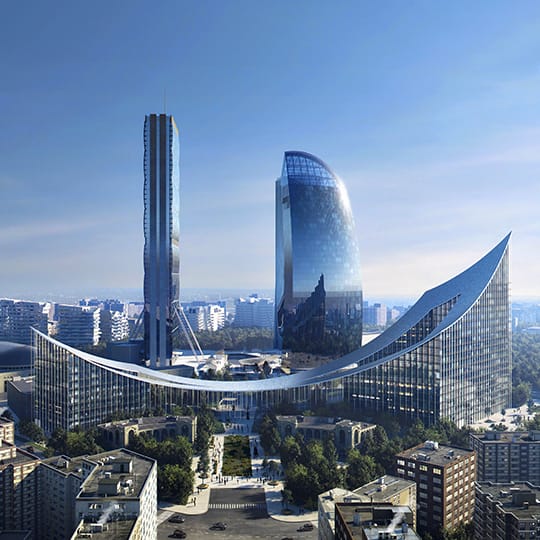
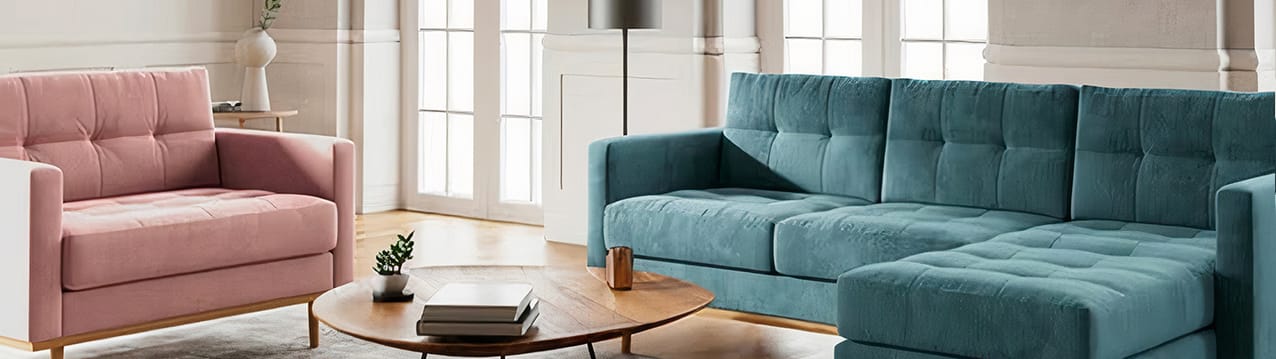
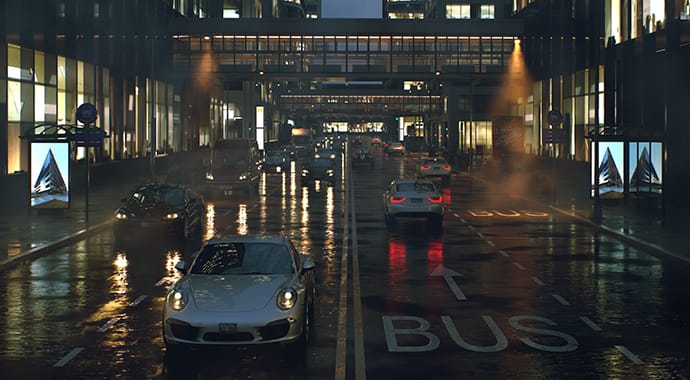
V-Ray has become the top choice for fast and accurate photo-realistic rendering. Offering state-of-the-art rendering technology, V-Ray has single handedly transformed the CG industry.

Image by Michael Seidl
Core architecture
- Multi-platform object-oriented API
- Fully multithreaded core
- Unified sampling system based on Schlick sampling
- Distributed rendering
- Efficient shading system specifically optimized for ray-tracing
- Modular architecture - many components of the system can be replaced with custom ones

Image by Pixelbox s.r.o.
Geometry
- Efficient geometry handling
- True instance rendering
- On-demand dynamic geometry creation
- On-demand geometry loading from disk files
- Displacement mapping
- Catmull-Clark and Loop subdivision surfaces
- Extensible with custom geometric primitives through the V-Ray SDK

Image by stage36
Image sampling
- Three different image sampling methods
- Full-scene antialiasing
- Progressive path tracing
- Support for additional render elements (diffuse, reflection, GI etc)
- Advanced color (tone) mapping controls
- Extensible with custom image samplers through the V-Ray SDK

Image by Phil Van Haitsma and created at Digital-X
Illumination
- Physically accurate full global illumination solutions
- Different GI algorithms: path tracing, irradiance cache, photon maps, light cache
- Reusable GI solutions for accelerated rendering of walk-through animations and animations with dynamic objects
- Physically accurate area lights
- Efficient illumination from HDR environments
- Procedural sun & sky models
- Extensible with custom lights through the V-Ray SDK
- IES photometric lights

Image by Michael Brown
Shaders
- Physically plausible materials
- Blurry reflections/refractions
- Accurate hilights
- Sub-surface scattering
- Support for efficient material layering
- Extensible with custom shaders through the V-Ray SDK

Image by Michael Seidl
Camera effects
- Depth-of-field with bokeh effects
- Accurate motion blur
- Physical camera model
- Extensible with custom cameras through the V-Ray SDK

Image by Hosein Afzali
Extras
- Toon effect
- Fur generator/raytracer
- Extended matte/shadow capabilities
- Support for Render-to-Texture mode of 3ds Max
- VRaySphereFade to isolate only specific portions of the scene for compositing

Image by Peter Guthrie
Frame buffer
- V-Ray specific frame buffer with integrated color corrections and display of multiple rendering elements
- Direct rendering to disk for extremely large images, either as OpenEXR files or as .vrimg files

Image by Da_elf
Please note the following:
- We can only process orders in Canada, USA and Mexico for this product.
- EDU Bundles are available to Universities and Training Centers only.
- A maximum of two licensing dongles are provided. One is configured with your licenses for setup on your server and the second is provided as a blank backup/spare.
|
|
|